Release Notes
2026.09.30
- Added Crew accounts. Pilot and crew maps now share waypoints, drawn shapes, windlines, gridlines, measurements and placed Flight Paths in real time
- Expanded docs on API reference for extensions
2026.07.16
- Added separate Distance 2D and Distance 3D fields to Selected and Target panels
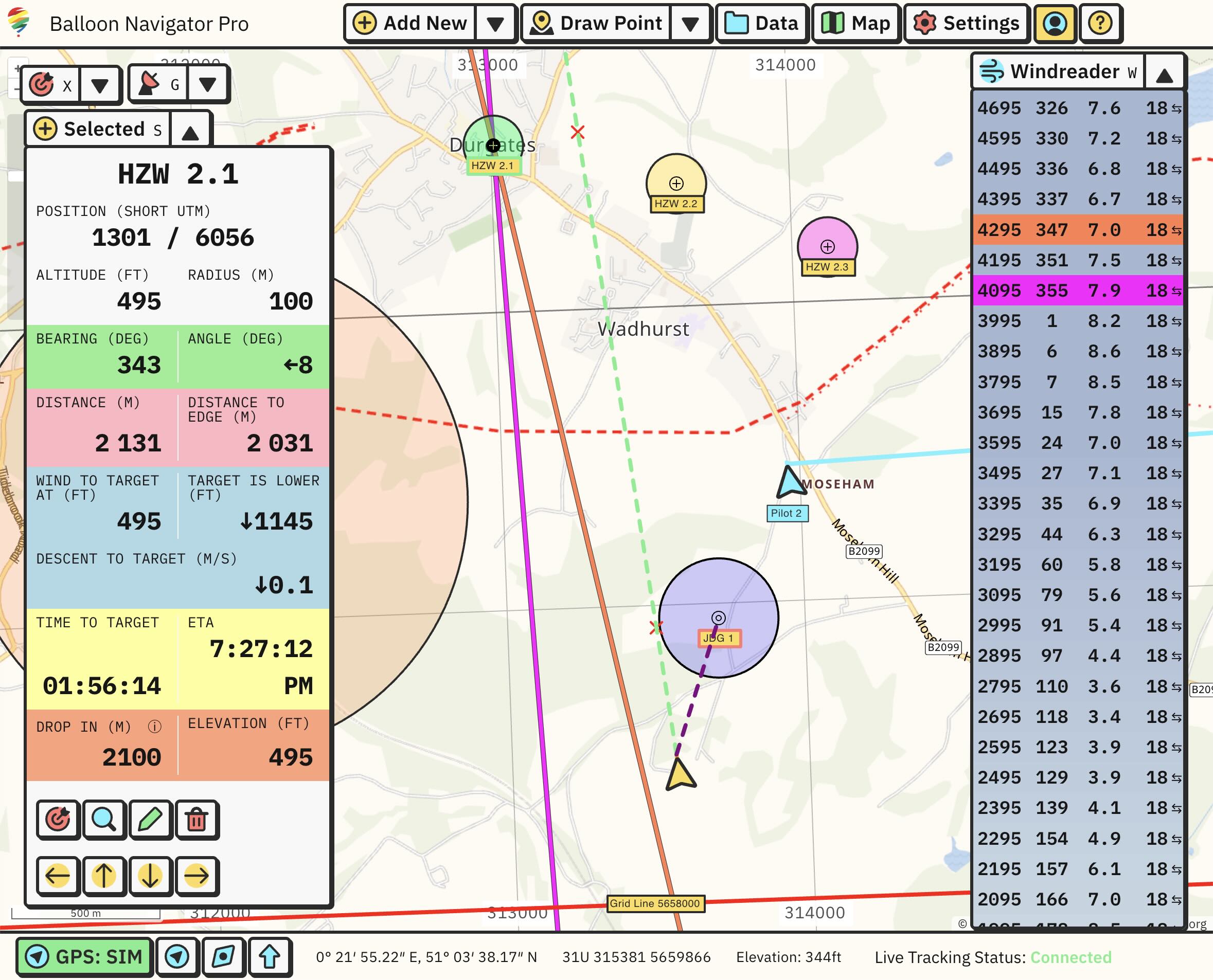
- Flight Path shows distances to Selected and Target when hovered over
- Marker drop simulation draws marker fall path on the map in purple color. Removed “DROP IN” field from Selected and Target panels
- Updated API endpoints documentation
2026.07.14
- Added new Flight Path data panel showing where you will reach ground with current winds and set descent rate (read more)
- Data panels can be completely hidden from the app and re-enabled through Data button secondary menu
- Added track profile charts (available from Data -> Tracks), showing altitude and speed over time
- Added small direction arrow next to Windreader heading readouts
2026.07.10
- Added horizontal and vertical Proximity Alerts for waypoints and areas
2026.07.08
- Added Bearing and Distance from current position to cursor. Displayed in footer and next to cursor (can be disabled for cursor in Settings -> Interface -> Show bearing and distance next to cursor)
- New Measure (ALT + M) draw function. Measures distances and bearings between points. Draw polygon to measure its area.
- Improved Grid Line labels positioning
- Map labels can now be scaled up and down (Settings -> Interface -> Label scale)
- Camera follows position smoothly. Current position arrow is not smoothed to faithfully represent GPS data.
- Added Google Maps link to copy coordinates option in map context menu
2026.07.06
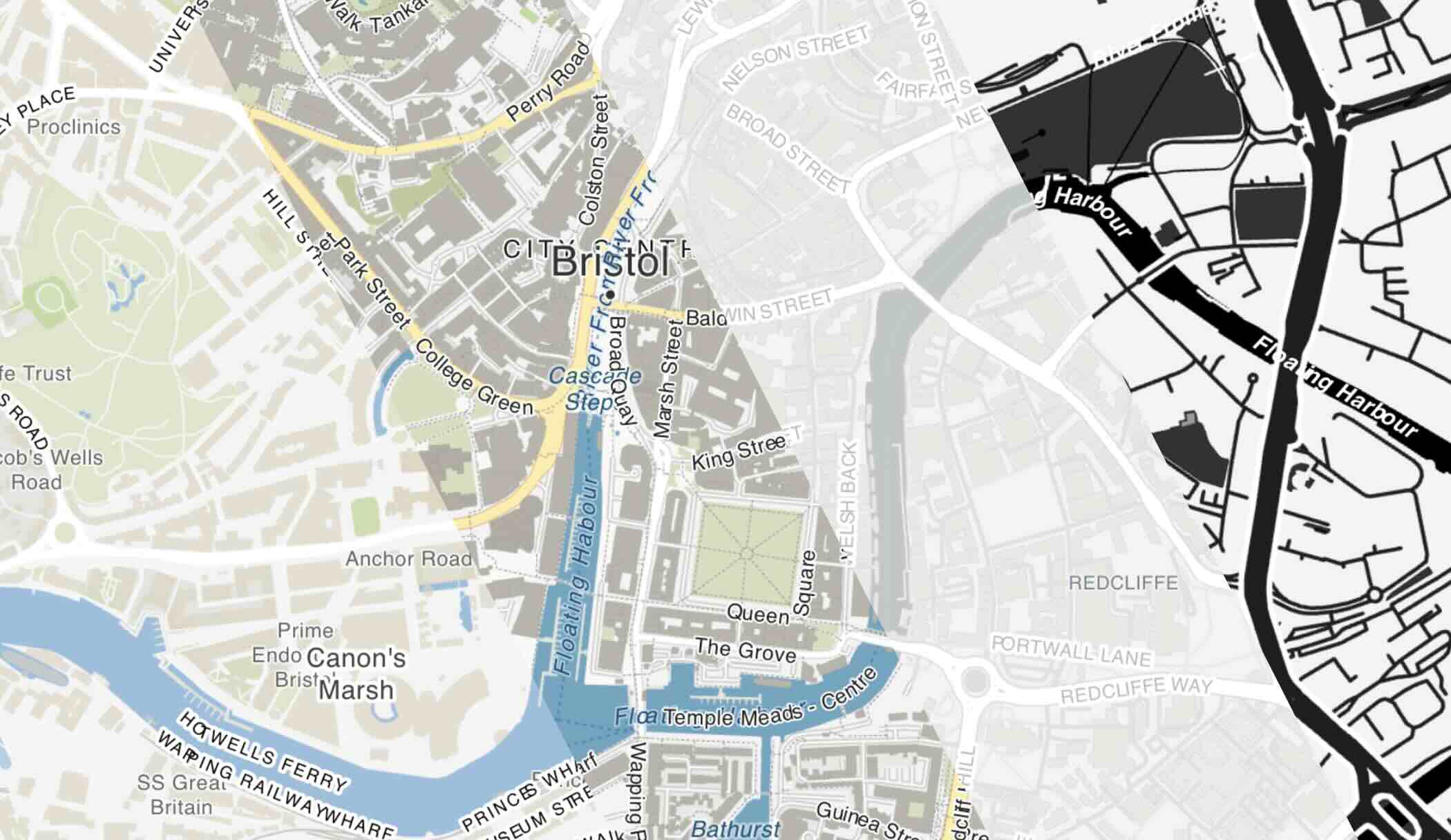
Map library changed from OpenLayers to MapLibre (breaking change)
- Map is now 3D and hillshading layer has been replaced by 3D terrain
- Buildings are rendered in 3D when zoomed in
- Map can be displayed as 3D globe or flat view
Extensions API map endpoint has been updated for MapLibre - if your extensions are modifying a map, they have to be updated:
map.ol_map and map.view → map.glmap (MapLibre’s Map handles the camera directly: setZoom, setCenter, flyTo, getBearing…)map.view.animate({...}) → map.glmap.flyTo({...}) (rotation in radians is now bearing in degrees)map.sources.* and map.layers.* → map.collections.* (plain GeoJSON instead of VectorSource/VectorLayer)map.selected and map.target → map.selectedId and map.targetId (feature ids instead of Feature objects)map.interactions.* → removed (drawing is handled by map.terradraw during active draw sessions)- see the Extensions documentation for the current API
Waypoint icons and lines are colored white by default on satellite map style for better visibility
Improved how documentation is structured
- New navigation menu
- Added collapsible navigation on mobile devices
2026.06.09
- Modified internal app structure which ended up with new URLs:
- app.balloonnavigator.com -> balloonnavigator.com/app
- live.balloonnavigator.com -> balloonnavigator.com/live
You can use old app address and existing app installations should work normally, but I encourage you to move to new versions for better long term user experience.
To migrate, just go to https://balloonnavigator.com and click “Open Balloon Navigator”, then install it again.
Databases were not copied over! If you want your waypoints and tracks available in the new version, either sync them through your user account (happens automatically when you login), or export and import them again from files.
Unfortunately, downloaded maps cannot be copied over to new version and you will have to download them again.
2026.04.10
- Balloon Navigator is now available in multiple languages: Czech, German, English, Spanish, Finnish, French, Hungarian, Italian, Japanese, Korean, Lithuanian, Dutch, Polish, Portuguese, Romanian, Russian, Slovak, Slovenian, Swedish, Turkish, Chinese.
- Go to Settings → Interface to change language
- Added Variometer and Magnetic Heading to GPS panel
2026.04.01
- Live Sharing - create public link to share your position with others. Read more
2026.03.31
- Map server upgraded to new machine on fiber connection - map downloads should be much faster now
- GPS simulator has option to set initial altitude on start
- Best result point is now displayed on map for selected and targeted waypoints
2026.03.25
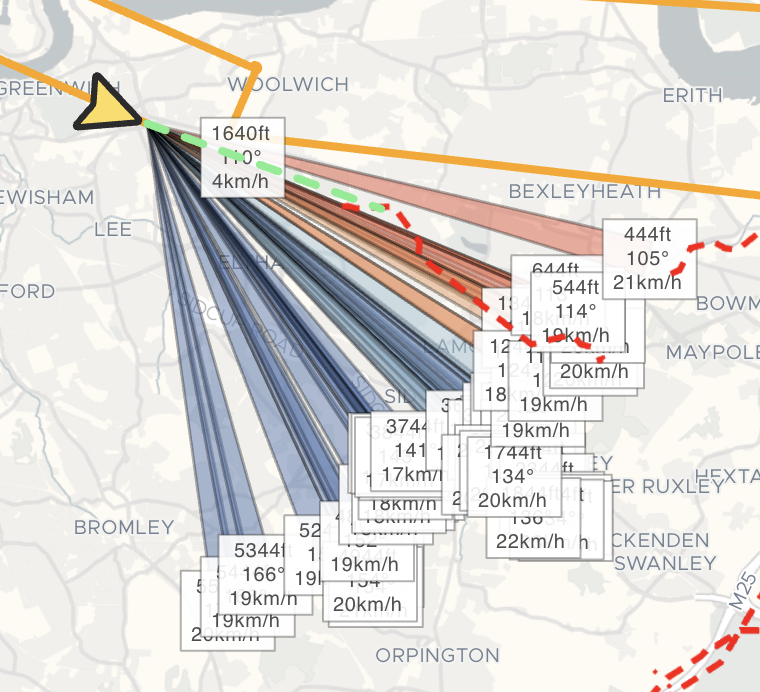
- Added Wind Sectors to quickly visualise all wind readings on the map. Read more
2026.03.24
- Windreader can import Windwatch files in .csv, .dat or .txt format
- Wind data sources can be filtered, ex. All sources, Only me or single source like Live Tracked pilot or import.
2026.03.19
2026.03.15
- Extensions API reworked to use JSON RPC specification (breaking change)
- Extensions can register custom panels, similar to Windreader or Selected
- Adding custom windreading supports user altitude units
- Double clicking waypoint on map opens edit window
2026.03.11
- App has been redesigned with brand new, custom user interface
- Keyboard shortcuts have been updated
- New Quick Add menu to quickly add waypoints
- Waypoints, Tracks and Import unified under Data
2025.09.18
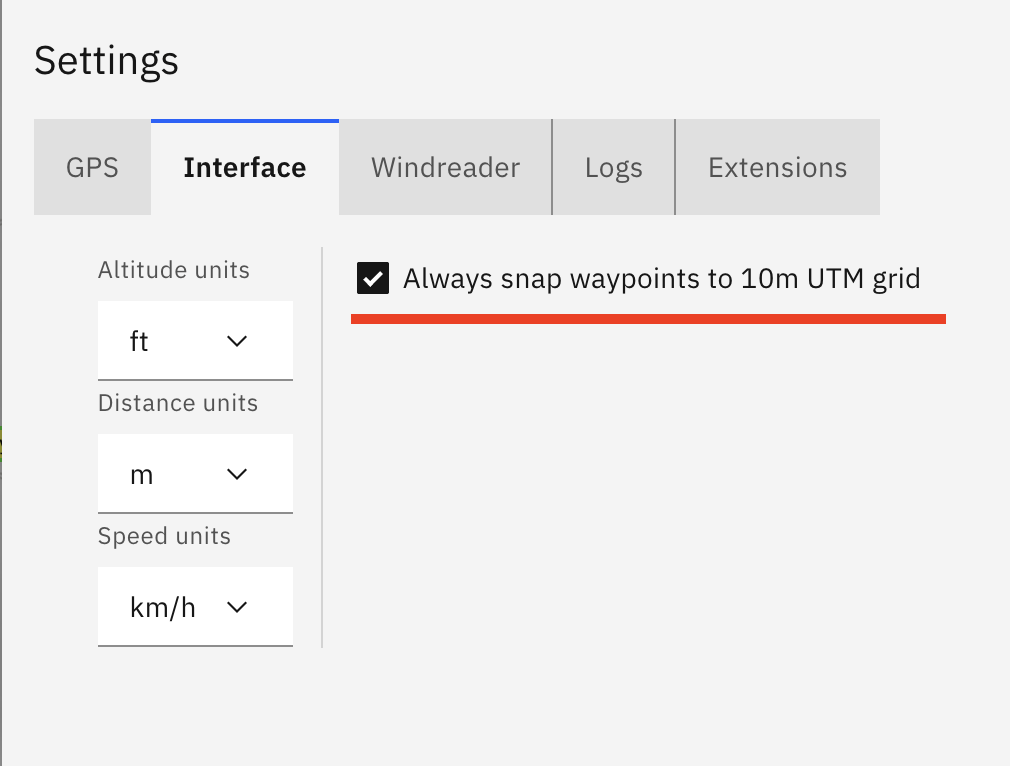
- Added option to always snap waypoints to 10m UTM grid (Settings → Interface)
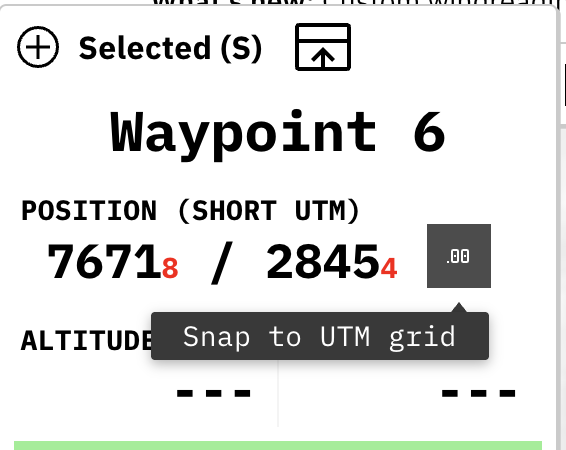
- If waypoint is not exactly on 10m UTM grid, Selected panel will show it with red numbers at waypoint position and allow you to snap waypoint with a click of a button
2025.09.13
- Custom readings can be added to Windreader by manually providing altitude and bearing. Click on “Add custom windreading” button on Windreader panel to use it
- Added arrow buttons to Selected panel, now you can click on them to move waypoint around on the map
- Waypoints list now allows to select multiple (or all) rows and manipulate them. Available options are Show, Hide and Delete
- Fixed waypoints deletion not being propagated to sync, which caused them to be synced back from server, effectively preventing any waypoints from being deleted when sync was active
- Improved waypoints and tracks sync performance
2025.08.15
- Added satellite imagery map layer (enable in Maps → Layers)
2025.05.27
- Panels are bigger and have better support for touch interaction
- Panels can be moved around on the screen and remember their positions
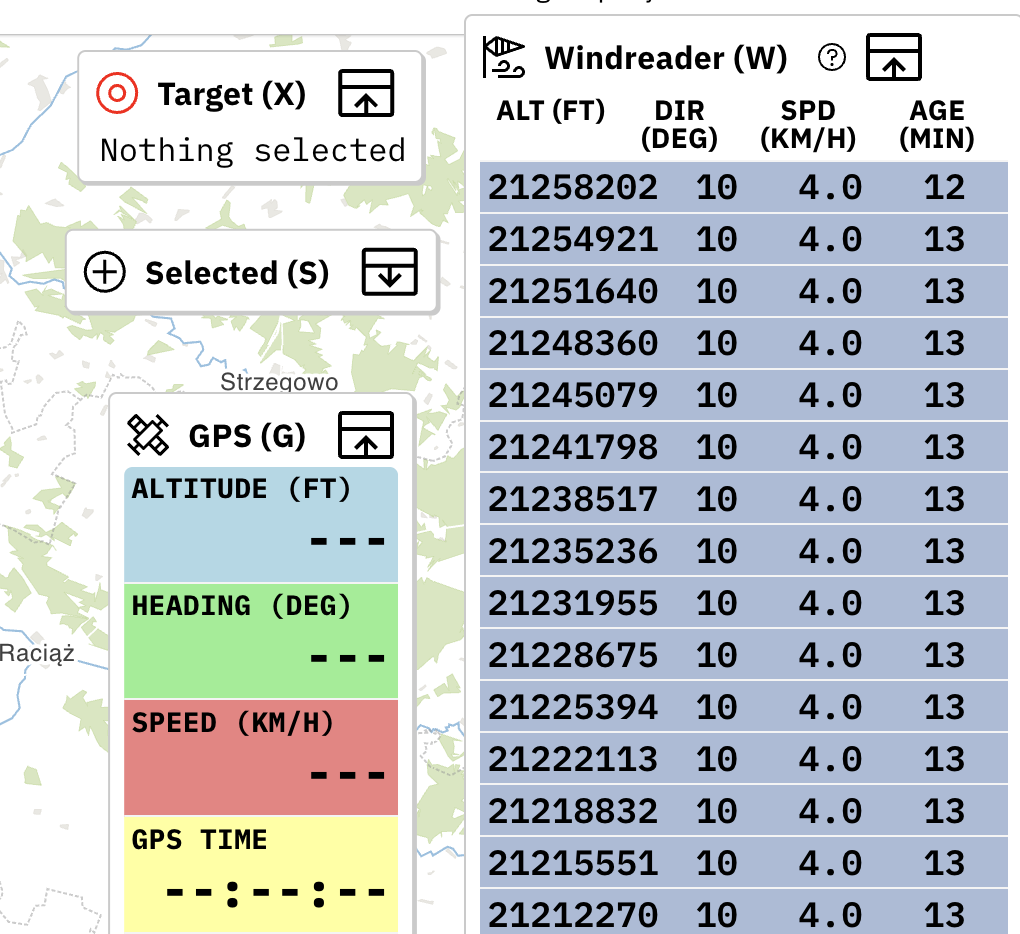
2025.05.07
- Added Hillshading layer to visualise elevation changes on the map. Can be enabled in Map → Layers

2025.04.25
- World-wide elevation data for Pro users. Use online for every map or download custom offline maps with elevation data included automatically.
2025.04.15
- Tracks can be replayed with GPS Simulator (option in Tracks List menu)
- UTM grid lines can be drawn using map context menu
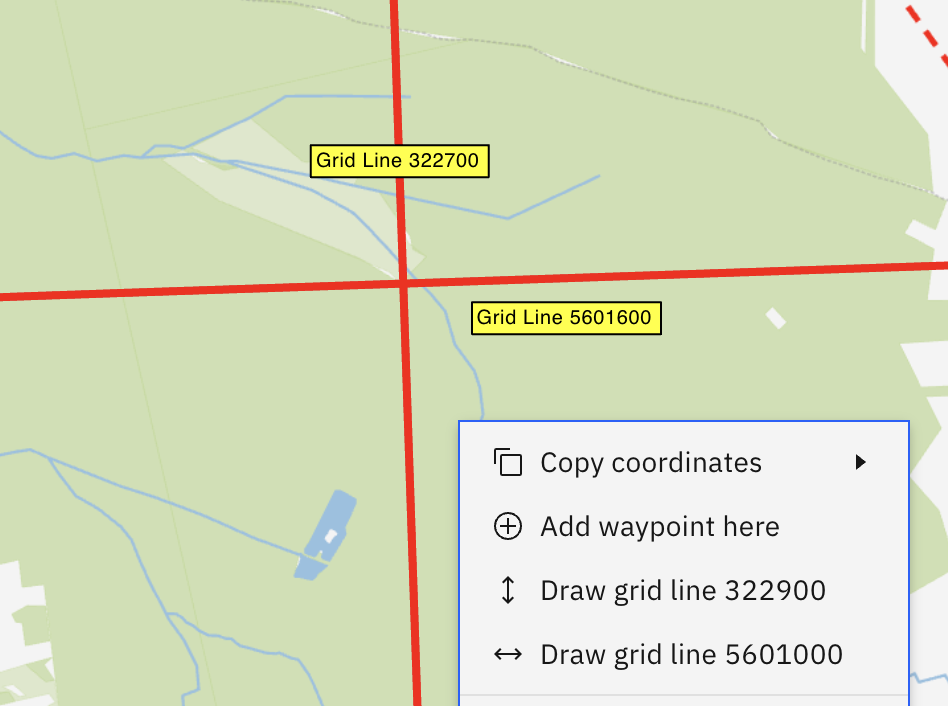
2025.04.08
- Improvements to GPS Simulator: added climb rate and heading change over time
2025.04.06
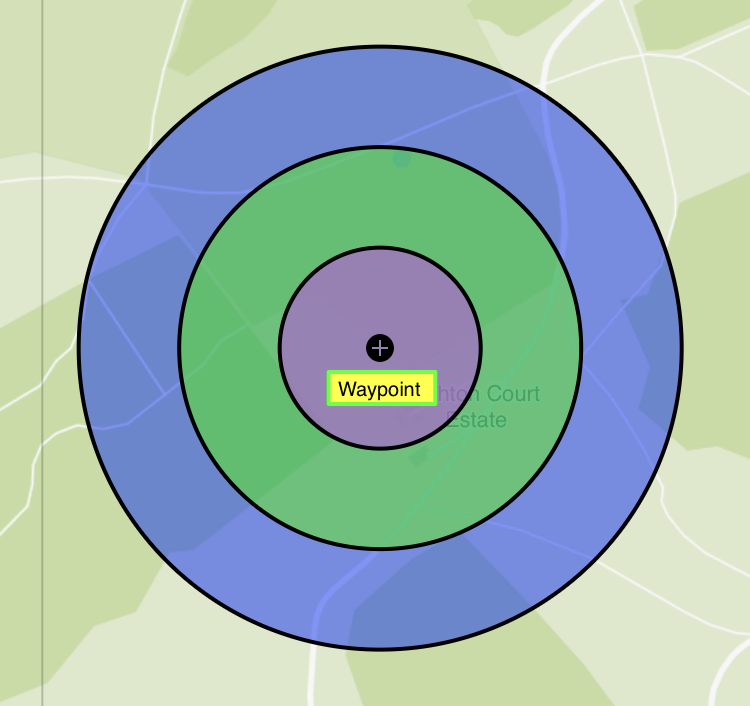
- Draw Task Rings - draw additional rings on top of waypoints (see docs)
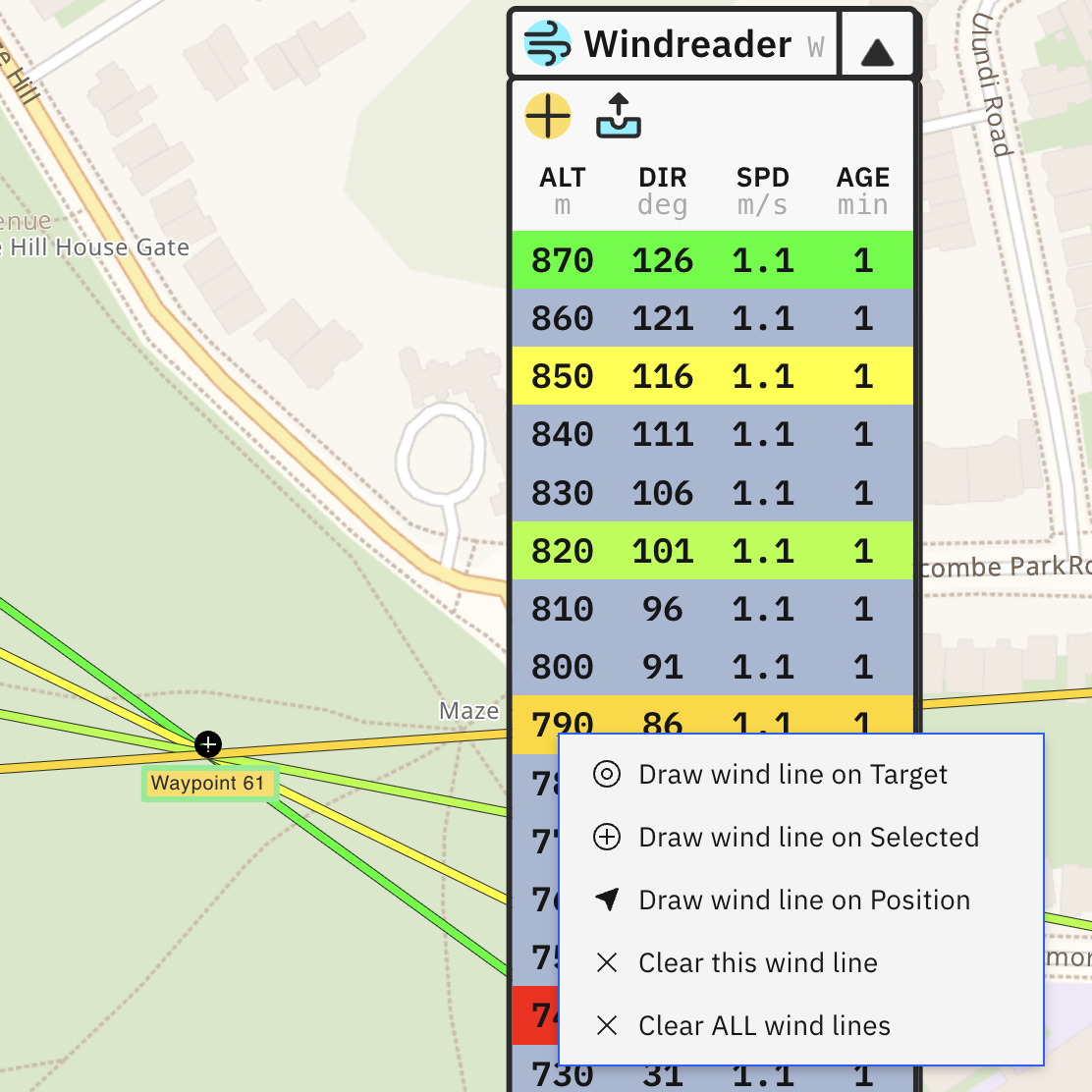
- Draw Wind Lines - draw wind lines on the map by clicking on recorded measurements in Windreader (see docs)
- Move waypoints - waypoints can be quickly moved on map by 10m or 100m in four cardinal directions using arrow keys (see docs)
- Copy and paste waypoints - added context menu (right click menu) on map with options to copy coordinates, copy/paste/delete waypoints and more
- Improved search in waypoints list and tracks list
- Green line marking forward direction is now dashed
2025.03.30
- Added support for custom waypoint styles
2025.03.26
- Windreader is synced between live tracked pilots (see docs)
2025.03.25
- Added option to change display units of altitude, distance and speed.
2025.03.14
- Added Graticule (coordinate grid lines) to map layers
- Windreader has different color based on altitude difference
2025.03.13
- Reworked right sidebar into drag and drop, hideable panels
2025.03.09
2024.11.08
2024.07.02
- Fixed import/export bugs on iPad
2024.06.14
- Improved displaying circles on the map:
- Center of circle is marked with crosshair
- Radius is shown for every circle
2024.06.06
- Added experimental Live Tracking see documentation
- Improved visuals on data panels
- Windreader now shows speed in km/h
- Fix to waypoint altitude being entered in feet, but displayed in meters
2024.05.14
- Added user accounts and automatic sync of waypoints and tracks between logged in devices
- Various bug fixes